20-Minute Social Media Workflow: Plan, Draft, Schedule
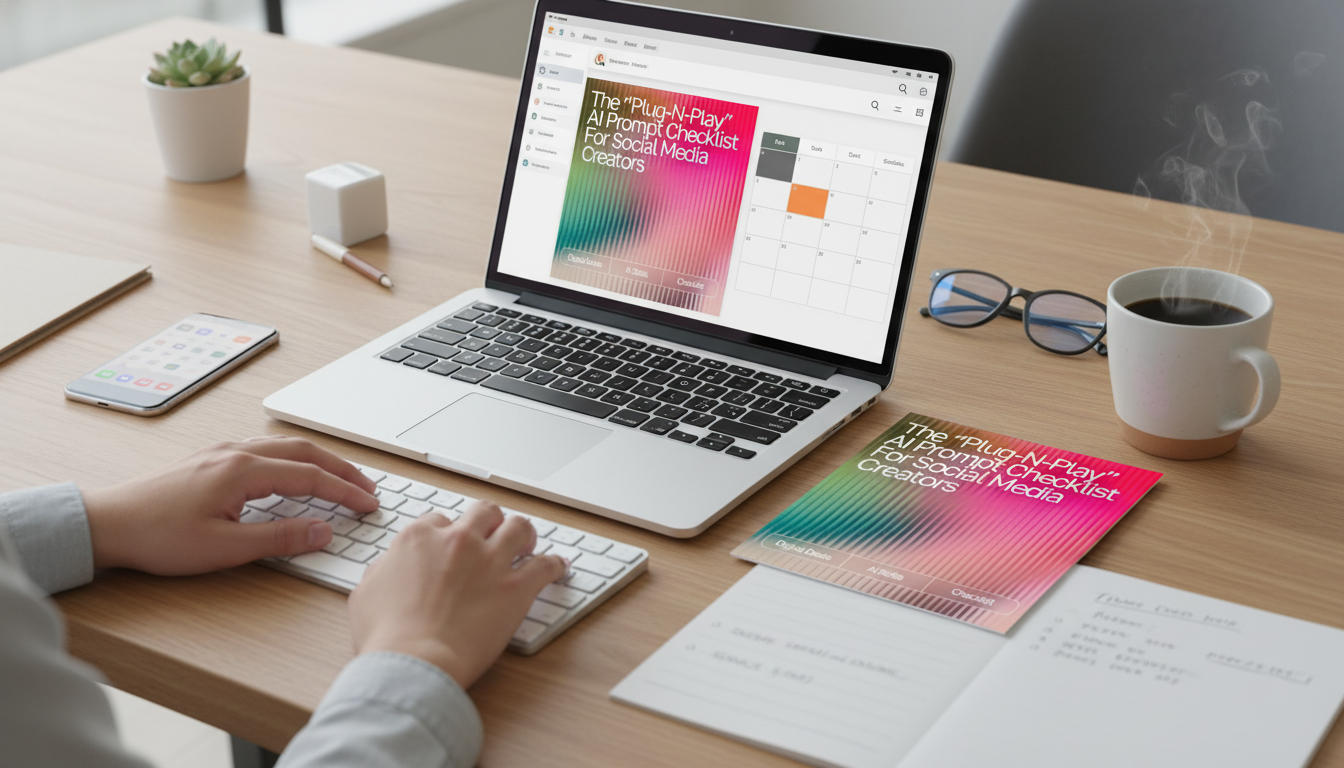
A Simple, Repeatable Social Media Workflow You Can Run in Minutes
Consistency gets easier when the thinking is pre-built. An editable checklist can turn a vague content idea into a clear plan, ready-to-post copy, and a reusable workflow—without starting from scratch each time. The goal isn’t to “do more.” It’s to remove friction: fewer decisions, faster drafts, and a system you can run even on busy weeks.
What This Editable Checklist Helps Create
A strong workflow doesn’t just spit out random post ideas. It gives you direction, structure, and a way to keep your message cohesive across different formats.
- A clear weekly content direction with themes, goals, and audience focus
- Post ideas that map to awareness, engagement, and conversion—without feeling salesy
- Ready-to-use instruction templates for captions, hooks, scripts, carousels, and calls-to-action
- A repeatable process that reduces decision fatigue and speeds up creation
- A single place to track what to write, what to record, and what to publish
If you want a ready-made system you can edit for any niche, start with The “Plug-N-Play” AI Prompt Checklist for Social Media Creators (Editable Digital Download). It’s designed to be duplicated weekly so your workflow stays consistent even when your content topics change.
Who It’s For (and When It’s Most Useful)
- Solo creators who need structure but don’t want rigid rules
- Small business owners creating their own posts between client work
- Coaches, educators, and service providers building trust through consistent content
- Creators restarting after a break and needing a quick way to rebuild momentum
- Anyone who uses AI tools and wants better outputs with fewer rewrites
This approach is especially useful during “messy middle” seasons—when you’re showing up regularly, but the content feels scattered, repetitive, or harder than it should.
The 20–30 Minute Weekly Setup Routine
One short planning session can fuel several days of posting. The key is to decide the essentials first (goal, audience moment, pillars), then generate variations that fit each platform.
- Choose one primary objective for the week (reach, leads, community, or sales)
- Pick 2–3 content pillars and one “signature topic” to repeat in different formats
- Draft a short list of post types (short video, carousel, static image, story sequence, live)
- Use the checklist’s instruction templates to generate hooks, structure, and captions
- Batch-edit: standardize tone, add brand specifics, and ensure claims are accurate
- Schedule or stage posts, then note follow-up actions (comments, DMs, story replies)
Weekly Workflow Snapshot
| Step | Input Needed | Output Created | Time Box |
|---|---|---|---|
| Set the goal | One measurable outcome | Weekly direction | 3 minutes |
| Define the audience moment | Who + what they care about this week | Message focus | 4 minutes |
| Generate post angles | Pillars + signature topic | 5–10 post ideas | 6 minutes |
| Create hooks and copy | Chosen post ideas | Captions, openers, CTAs | 10 minutes |
| Polish and prepare | Brand details + accuracy check | Ready-to-publish drafts | 7 minutes |
For creators who get their best ideas while walking, driving, or between appointments, capturing quick voice notes can make the weekly setup even faster. A simple tool like the Mini 8GB Voice Recorder Digital Audio MP3 Player USB Pen with Earphones helps you collect hooks, stories, and client questions on the fly—then turn them into posts during your next 20-minute planning block.
How to Get Better Results from AI Tools (Without Sounding Generic)
Generic output usually comes from generic inputs. When you add constraints and specifics, you get writing that sounds like it belongs to your brand—because it’s grounded in your real context.
- Add constraints: audience level, tone, length limits, and platform format
- Provide examples of past posts that performed well and ask for variations
- Include specifics: product/service details, location, offer terms, and brand vocabulary
- Ask for 3 options per element (3 hooks, 3 CTAs, 3 angles) to reduce rewrites
- Run a quick “human check”: clarity, accuracy, compliance, and brand fit
Platform resources can also help you match the format to what viewers expect. Explore official guidance and creative references at Instagram for Creators, the TikTok Creative Center, and YouTube Creator Academy.
What You Receive + How Editing Works
- Instant digital download designed to be edited for different niches and brand voices
- Copy-and-reuse templates that can be duplicated for each week or campaign
- A checklist format that supports batching: plan once, create faster all week
- Works as a personal system or as a shared structure for a small team
Editing is straightforward: duplicate the file for the week, fill in your goal and audience moment, then customize the vocabulary (your product names, offer terms, and “you-words” your customers actually use). Once you’ve done this two or three times, you’ll start building a personal library of angles you can reuse whenever you need content quickly.
To keep your tone consistent from post to post, pair your workflow with a simple language checklist like Speak Success: Power Words Action Checklist (Digital Download). It’s an easy way to reinforce your brand voice—especially if you switch between educational, promotional, and story-driven content throughout the week.
Common Use Cases for Creators and Small Brands
FAQ
Does this work for Instagram, TikTok, YouTube Shorts, and LinkedIn?
Yes. The core workflow stays the same, and you adapt the output by changing the format (script vs. caption vs. carousel text), length, and pacing to match each platform’s norms.
Do I need advanced AI experience to use the checklist?
No. The templates are fill-in-the-blank, so beginners can start immediately, and better inputs (audience, offer, tone) naturally produce better drafts with fewer rewrites.
Is the download editable and reusable for multiple projects?
Yes. You can edit it, duplicate it weekly, and create separate versions for different offers or brands while keeping a master copy as your baseline system.




Leave a comment