Screen-Free Study Setup: Checklist, Reset, Minimalist Desk
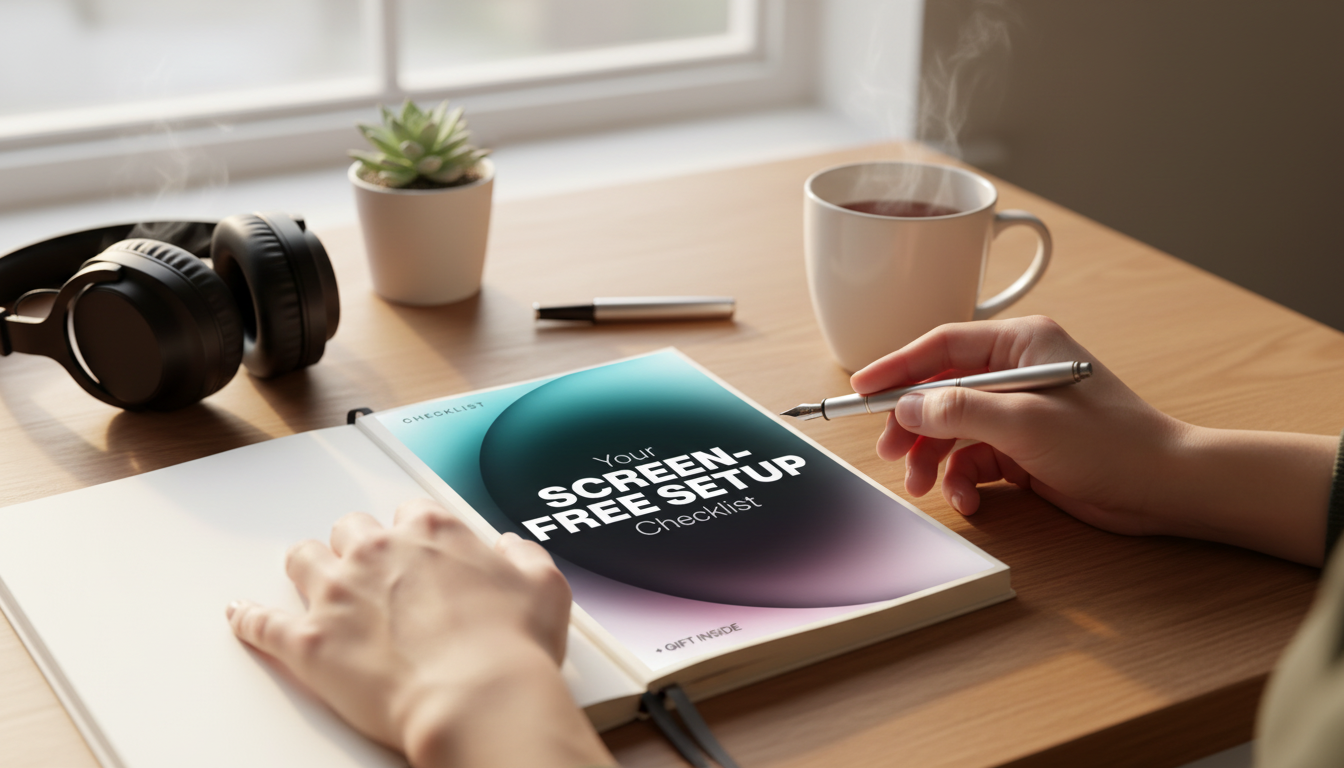
A Screen-Free Study Setup That Sticks: Checklist, Study Reset, and Minimalist Desk Ideas
A screen-free setup makes focus feel simpler by removing small friction points: visual clutter, constant notifications, and the “just one more tab” spiral. Pairing a clean study space with a printable checklist and a minimalist focus planner helps sessions start faster, run smoother, and end with an easy reset so the next study block feels ready before it begins.
What “screen-free” really means for studying
“Screen-free” doesn’t mean abandoning technology altogether. It means reducing nonessential screen time during deep work so attention isn’t constantly pulled away by alerts, feeds, and extra devices. If a laptop is required for an online lecture or assignment submission, that’s a “needed screen.” A phone within arm’s reach, a second monitor with open tabs, or a streaming app in the background is usually a “temptation screen.”
Practical screen-free studying relies on physical cues. A clear desk signals one job at a time. A paper plan keeps the next step visible without opening an app. A defined start/stop ritual reduces “warm-up scrolling” and makes it easier to quit on time. Research on multitasking consistently shows that switching tasks comes with attention costs, so the goal is fewer switches: one primary task, one set of materials, and one place to capture notes or stray thoughts (see the American Psychological Association’s overview on attention and multitasking at https://www.apa.org/topics/research/multitasking).
The core kit: a printable checklist + minimalist focus planner
The simplest way to make screen-free study sessions repeatable is to standardize the first five minutes. A single-page setup checklist helps you prep the environment quickly: clear the surface, pull out only what you need, move distractions away, pour water, and set a timer.
Next, use a minimalist focus planner page to decide the one outcome for the session and the next action to start it. Limiting the plan to one outcome reduces the urge to open a dozen resources “just in case.” Add a short list of supporting steps (3–6 is usually enough) and include an offline capture box for random thoughts—ideas, worries, errands, messages—to stop your brain from reopening those loops.
Finally, add a quick end-of-session reset: stack papers, file loose sheets, write what’s next, and leave the desk ready for tomorrow.
| Page | When to use it | What to write | How it prevents screen drift |
|---|---|---|---|
| Setup checklist | Before starting | Desk basics, distractions moved, timer length | Creates a clear start so no “pre-study scrolling” |
| Focus planner | At the start of a session | One goal, next action, 3–6 steps, capture box | Replaces tab-hopping with a single path |
| Study reset | After studying or weekly | What to keep out, what to file, what to refill | Keeps the desk friction-free for the next session |
If you want a ready-to-print set that covers the whole loop (setup → focus → reset), link it directly to your desk routine: Your Screen-Free Setup Checklist – Minimalist Focus Planner, Printable Study Reset, screen free study space ideas.
Screen-free study space ideas that stay minimalist
- Keep only today’s tools visible. If you’re studying chemistry, the open notebook, one pen, the current handout, and your calculator belong on the desk. Everything else goes out of sight (drawer, bin, shelf).
- Light the page, not your eyes. Use bright ambient light plus a desk lamp angled toward the workspace. If you’re at a computer occasionally, good ergonomics and posture reduce fatigue (Cornell’s ergonomics guidance: https://ergo.human.cornell.edu/).
- Add one comfort item that doesn’t distract. A simple desk mat, neutral coaster, or small footrest improves comfort without turning into clutter.
- Make distractions inconvenient. Put your phone in another room, or inside a bag across the room. Turn off audible notifications.
- Create a device landing zone. If a phone must be nearby for emergencies, place it facedown in a designated spot beside (not on) the desk. If possible, take a smartwatch off your wrist during deep work.
Optional screen-free support you can keep off the desk
- Mini 8GB Voice Recorder Digital Audio MP3 Player USB Pen with Earphones for quick verbal summaries after a study block (30–60 seconds is enough to strengthen recall).
- Bluetooth MP3 MP4 Player with 4.0″ Touchscreen for downloaded audio so your phone can stay out of reach.
A simple screen-free routine for deep work
Protecting sleep also supports attention and memory. A calm environment and consistent wind-down habits make study time more productive (NHLBI sleep basics: https://www.nhlbi.nih.gov/health/sleep).
The study reset: end clean so the next start is easy
FAQ
How can a screen-free setup work if assignments are online?
Use a hybrid flow: print what you can, keep one browser window only for the required task, move your phone away, and plan the session on paper. Batch online steps like research and submission at the end so you’re not switching back and forth all session.
What should be on a minimalist desk for studying?
Keep essentials only: notebook or paper, one good pen, the current textbook/handout, a timer, water, and a single folder. Store everything else out of sight, and consider a small tray for daily items so the surface stays clear.
How do you reset a study space quickly after studying?
Clear trash, stack papers, file loose sheets into one folder, write the next action on your planner, and set out the first item you’ll need next time. That two-minute reset makes starting again feel almost automatic.






Leave a comment